A compliant passport photo,
made in your browser
Upload a photo and we fit the face and background to the spec. Nothing is sent to a server.
Spec
US Passport (2×2 in) · 600×600 px · 300 DPI
Drop your photo here
or click to browse · JPG · PNG · WebP, up to 20 MB
No upload — everything runs in this browser
 head 50–69%eye levelTo spec
 As shot
What passes, and what doesn't
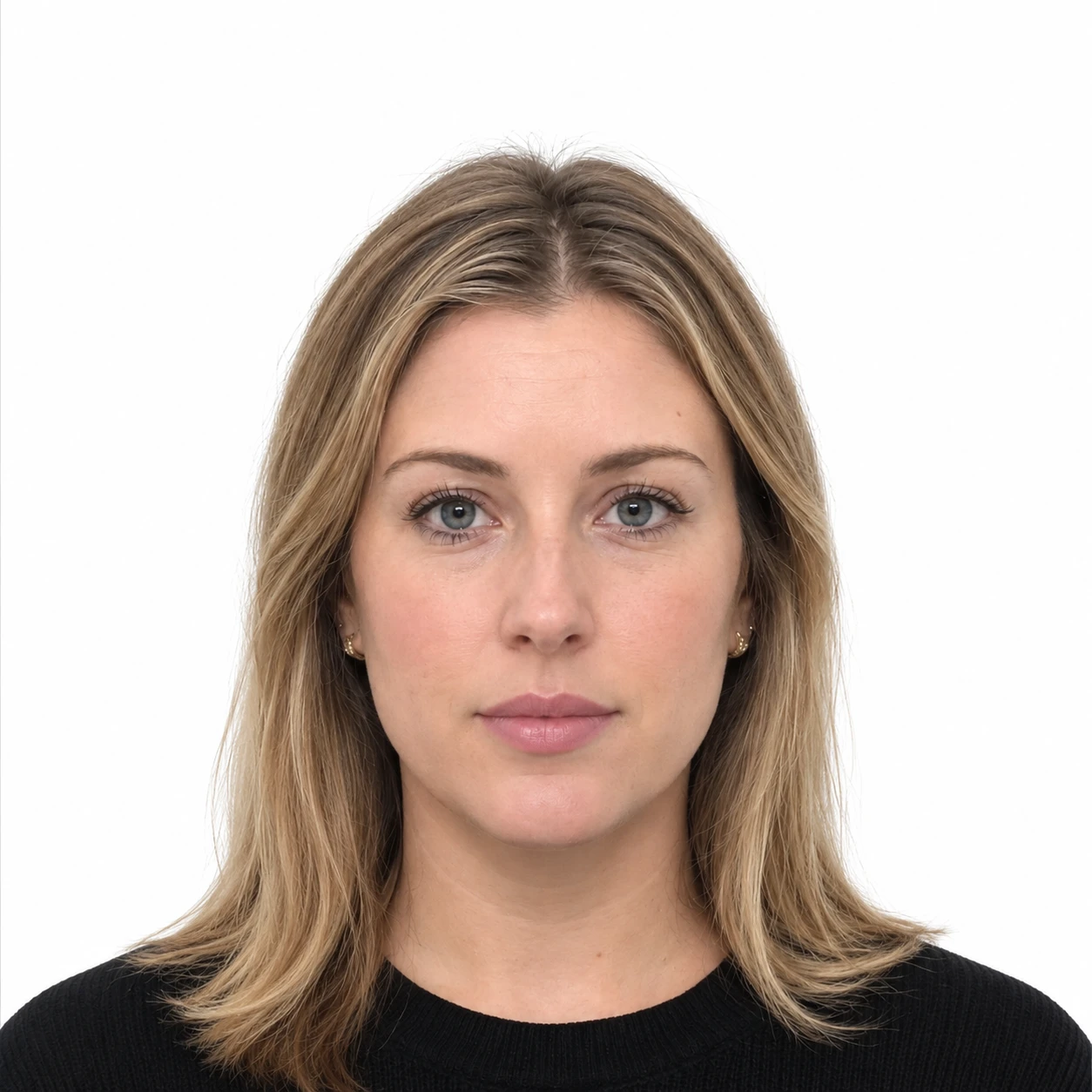
What separates a pass from a fail is the background and the framing — never the face.
White background · facing camera · neutral
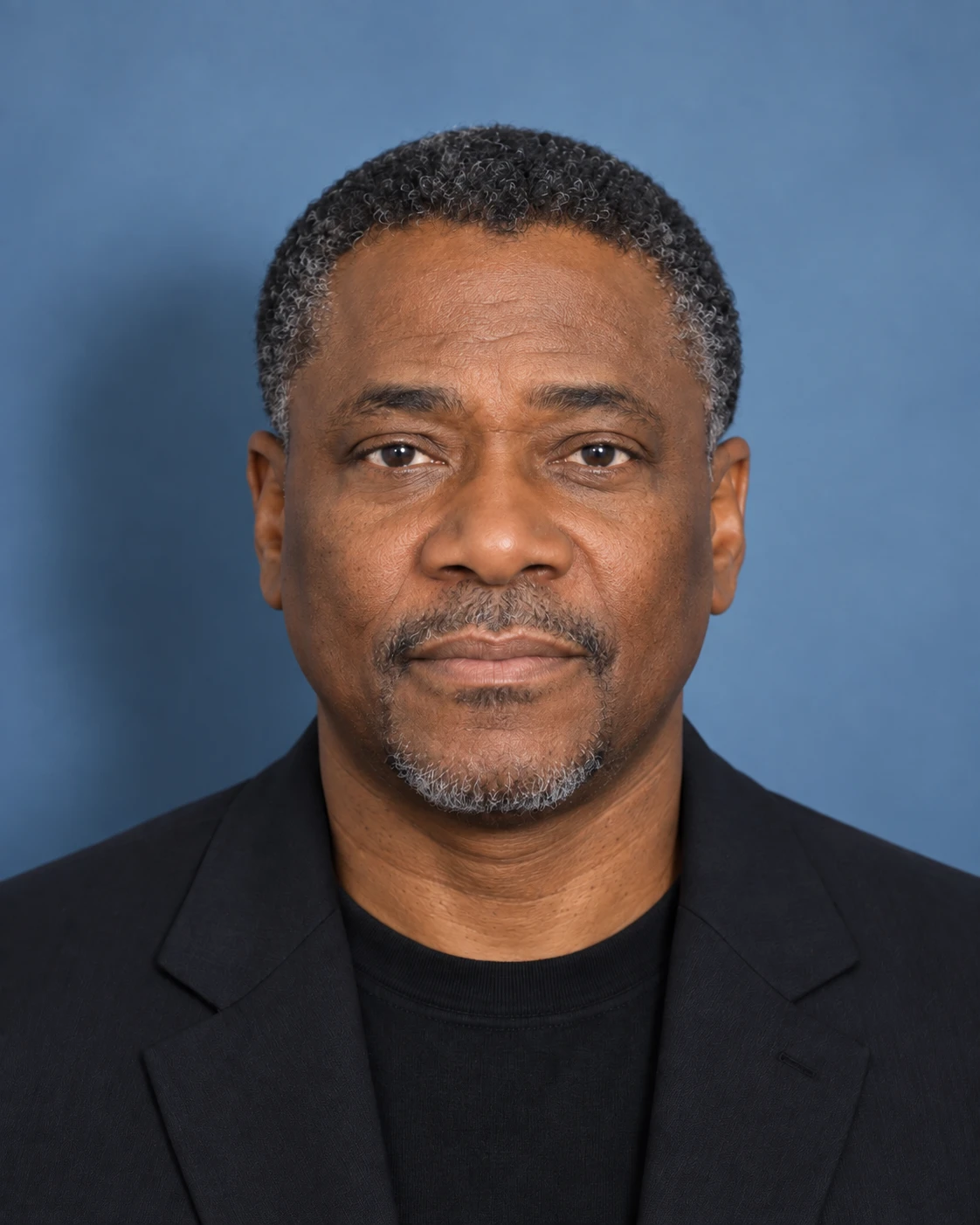
Coloured background and shadow

Face too large
Face too small, shadow on one side
Specs by country
Pick a card and the editor is set to that spec.
Photo requirements
Most visa and DV lottery programs share the same core rules. Exact dimensions depend on the size you pick in the editor.
Format & size
- Color photo, sharp and in focus
- US 2×2 in (600×600 px); other sizes vary by country
- JPEG under 240 KB for online; 300 DPI for printing
- Taken within the last 6 months
Background & lighting
- Plain white or off-white background
- Even, natural lighting on your face
- No shadows behind you or on your face
- No glare, reflections, or color casts
Face & expression
- Look straight at the camera, full face visible
- Neutral facial expression (or a natural smile)
- Both eyes open and clearly visible
- Head fills about 50–69% of the frame height
What to avoid
- No eyeglasses (rare medical exceptions only)
- No hats or head coverings (except religious)
- No uniforms, camouflage, or filters
- No full-length or low-quality phone snapshots
How to take a compliant photo
Follow these steps for a clean, acceptance-ready result.
- 01
Set up your space
Stand in front of a plain white wall in a bright, evenly lit room. Avoid windows directly behind you and any harsh shadows.
- 02
Frame the shot
Have someone photograph you from about 5–7 ft (1.5–2 m) at eye level, or use a tripod and timer. Don't take a selfie.
- 03
Pose correctly
Face the camera squarely with a neutral expression and both eyes open. Remove glasses, hats, and anything covering your face.
- 04
Upload & adjust
Upload your photo here, align your face to the on-screen guide, then remove or replace the background with a clean white.
- 05
Download & verify
Download the correctly sized file and compare it against the requirements above before submitting your application.
This tool provides general guidance based on U.S. Department of State photo standards. Requirements can change and vary by country and program — always confirm the official requirements for your specific visa or DV lottery entry before submitting.